NICOP Renewal Online Pakistan 2026
Your NICOP is the identity card that keeps you connected to Pakistan while you live abroad, and like every identity card it comes with an expiry date printed on the front. When that date passes, or gets close, the card that lets you enter Pakistan without a visa, operate your bank accounts and prove your Pakistani identity stops being accepted as a valid document. The good news is that a NICOP renewal no longer means a trip to Pakistan or a long queue at a consulate. NADRA handles renewal online through its official Pak ID service, and this guide walks you through the complete process for 2026.
This updated NICOP renewal guide 2026 explains who can renew, which documents you need, the step by step online process through Pak ID, the renewal fee for your country zone, processing times, tracking, and the mistakes that delay applications. If you first want the complete background on the card itself, our main NICOP Pakistan guide covers eligibility, types and benefits in full, while this page stays focused on renewal only.
What Is NICOP Renewal?
NICOP stands for National Identity Card for Overseas Pakistanis. It is the registration document NADRA issues to a legitimate citizen of Pakistan, including a dual national, who is living abroad. An adult NICOP is issued for a validity of ten years, so renewal is a once in a decade task for most people, which is exactly why so many card holders only notice the expiry when a bank, an airline or an immigration officer points it out.
NICOP renewal is the service you use when your existing card has expired, or is about to expire, and the information recorded on it stays the same. NADRA issues you a fresh Smart NICOP with a new validity period, based on the record it already holds for you. Your 13 digit identity number does not change, your family record does not change, and you do not register yourself all over again. Renewal simply extends the life of the identity document you already have.
NICOP Renewal vs New, Modification and Duplicate
Choosing the correct service at the start saves more time than anything else in this process, because NADRA treats each application type separately and a wrong choice is a common reason for delay. Renewal is only one of four NICOP services, and the difference between them is simple: renewal keeps your recorded data exactly as it is, while the other services exist for a first card, for changed data, or for a lost card.
| Service | When It Applies | What NADRA Issues |
| Renewal | Your NICOP has expired or is expiring, and your recorded details are unchanged | A fresh Smart NICOP with a new validity period |
| New | You have never held a NICOP before | Your first Smart NICOP |
| Modification | Your name, address, marital status or another recorded detail has changed | A Smart NICOP carrying the corrected data |
| Duplicate / Reprint | Your valid card is lost or damaged | A reprint of your existing card |
If your details have changed since your last card was issued, for example a new overseas address or a change in marital status, read our guide on how to update your NADRA record from abroad online before you apply, because a renewal submitted with old data only prints the old data again on a new card.
Who Can Apply for NICOP Renewal?
Any Pakistani citizen living abroad who already holds a NICOP or Smart NICOP can apply for renewal, including dual nationals of countries that have a dual nationality arrangement with Pakistan. The basic condition is that you are renewing your own existing record: you have a card, or had one, and that card has expired or is close to its expiry date.
There are two situations where renewal is not the right door. If you have never held a NICOP, you apply for a new card instead, and if you surrendered your Pakistani citizenship, NICOP is not your document at all and the Pakistan Origin Card is the relevant one. Both situations are explained in the complete NICOP guide, so check there first if either of them sounds like your case.
When Should You Renew Your NICOP?
You can apply as soon as your card is near its expiry date, and you should not wait for the card to actually expire. An expired NICOP can still be renewed, because renewal works on your existing NADRA record, but the weeks in between can be awkward ones: overseas Pakistanis use this card for visa free entry to Pakistan, for Pakistani bank accounts, for property and legal matters, and as proof of Pakistani identity in front of foreign authorities, and an expired card may not be accepted for any of these.
A practical approach is to start the renewal a few months before the expiry month, especially if you have travel to Pakistan planned. Even the fastest processing category needs days, delivery abroad adds more time, and starting early costs you nothing because the new card is issued against the same record.
Documents Required for NICOP Renewal
Renewal needs far fewer documents than a first time application, because NADRA already holds your photograph, fingerprints and family record from your existing card. Keep the following ready before you start, whether you apply online or in person.
For an Online Renewal Through Pak ID
- Your existing NICOP or Smart NICOP (even if it has already expired)
- Your valid passport, Pakistani or foreign if you are a dual national
- A mobile number and email address for your Pak ID account and for application updates
- A debit or credit card for online fee payment
For Renewal at a Centre or Pakistani Mission
- Your original CNIC, NICOP or Smart NICOP, with copies
- Your original passport, with copies
- Payment by debit or credit card, which is how NADRA centres at missions collect the fee
Pak ID may ask for additional documents or verification in individual cases, for example if your record needs a correction first. If the system asks for something extra, provide exactly that document instead of submitting the application again, because duplicate applications create their own delays.
How to Renew NICOP Online Through Pak ID
The complete renewal can be submitted from home through NADRA’s official Pak ID service, on the web portal at id.nadra.gov.pk or in the Pak ID mobile app. The app is the easier route for most overseas applicants, because the photograph, fingerprint verification and signature steps are all completed on the phone itself.
Step 1: Create Your Pak ID Account or Sign In
Open the Pak ID app or the portal and register with your identity number, mobile number and email, or sign in if you already have an account. Use an email address you check regularly, because NADRA sends application updates, including approval and dispatch messages, to overseas applicants by email.
Step 2: Open the Identity Card Services
From the dashboard, open the identity document section. Pak ID lists the card services there, including new applications, renewal, modification and duplicate, for CNIC, NICOP and the other NADRA documents.
Step 3: Select NICOP Renewal
Choose the NICOP service and then the renewal option. This choice matters: selecting modification or duplicate by mistake sends your application down the wrong route, with different requirements.
Step 4: Enter and Check Your Existing Details
Enter your existing card number and review the information Pak ID shows from your NADRA record. Check every spelling carefully, especially your name and date of birth, and make sure they match your passport. A spelling mismatch between documents is one of the most common causes of renewal delays.
Step 5: Capture Your Live Photograph
Capture a fresh photograph with the phone camera as the app guides you. For most applicants the live capture is mandatory, so follow the on screen instructions about light and background instead of uploading an old studio photograph.
Step 6: Complete Biometric Verification
Complete the fingerprint verification inside the app when Pak ID asks for it. The app uses the phone camera for this step, and it may also route your application to an attester, a blood relative whose own NADRA record verifies yours. Complete whichever verification your application shows, and do not skip ahead.
Step 7: Sign, Review and Upload Documents
Give your digital signature on the screen, review the complete application one more time, and upload clear scans of any documents your case requires, such as your passport. Blurry or cut off uploads are a regular reason for applications being deferred.
Step 8: Choose Your Category, Pay and Submit
Select Normal, Urgent or Executive processing, pay the fee shown for your country zone with your debit or credit card, and submit the application. Save your Tracking ID and your payment confirmation before you close the app, because the Tracking ID is what every status check and every support conversation will ask for.
How to Renew NICOP at a NADRA Centre or Pakistani Mission
If you prefer to apply in person, or Pak ID directs you to a centre, renewal is also offered at NADRA Registration Centres in Pakistan and at the NADRA desks of Pakistani embassies and consulates abroad. The steps at the counter follow the order NADRA itself publishes: you are issued a token and pay the fee, your photograph is captured, your fingerprints and signature are taken, your data is entered and a printed form is handed to you to review, and you submit the form after confirmation and attestation.
One useful detail from NADRA’s own instructions: at a centre in Pakistan, bringing a blood relative such as your father, mother, brother, sister, son or daughter for biometric verification lets you skip the separate attestation of the form by a gazetted officer. At a mission abroad, bring your original card and passport with copies, as listed in the documents section above, and expect the fee to be collected by card at the token counter.
NICOP Renewal Fee 2026
NADRA charges NICOP fees in US dollars for overseas applications, and the amount depends on two things only: your country zone and your processing category. Countries are grouped into Zone A, which includes the United States, the United Kingdom, Europe, Australia and other higher cost countries, and Zone B, which includes the Middle East, Africa and other Asian countries. The renewal fee is the same as the fee for a new Smart NICOP in the official NADRA fee structure.
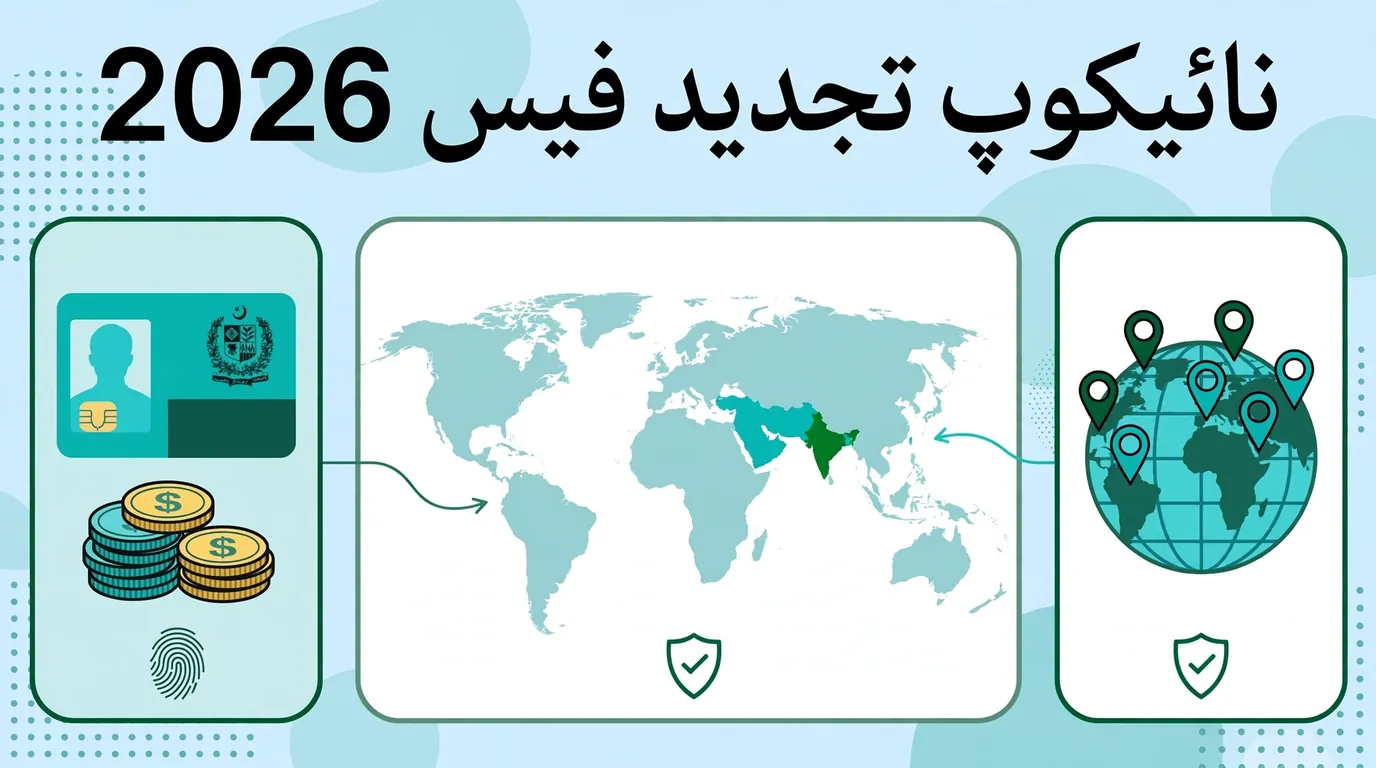
| Smart NICOP Renewal | Normal | Urgent | Executive |
| Zone A (USA, UK, Europe, Australia) | USD 39 | USD 57 | USD 75 |
| Zone B (Middle East, Africa, other Asia) | USD 20 | USD 30 | USD 40 |
NADRA revises its fee structure from time to time, and the amount Pak ID shows for your application is calculated for your zone and category at the moment you apply. Treat the table above as the current published structure, and always confirm the exact amount on the payment screen in Pak ID before you pay. If a website or an agent quotes you a very different figure, that is a warning sign, not a shortcut.
NICOP Renewal Processing Time 2026
The processing time printed with the official fee structure is the same three tier pattern NADRA uses for most identity documents. The clock that matters for an overseas applicant also includes delivery to your address abroad, which sits on top of the processing time, so plan with some margin if you have a flight booked.
| Category | Processing Time | Best For |
| Normal | 31 days | Routine renewal started well before expiry |
| Urgent | 23 days | Renewal with travel or a bank deadline a month or two away |
| Executive | 9 days | Urgent travel or an already expired card that is needed immediately |
Choosing a faster category speeds up NADRA’s processing of your application; it cannot fix an application that is stuck for a document or a verification problem. A clean, complete Normal application usually reaches you before a messy Executive one that NADRA has to send back with questions.
How to Track Your NICOP Renewal Application
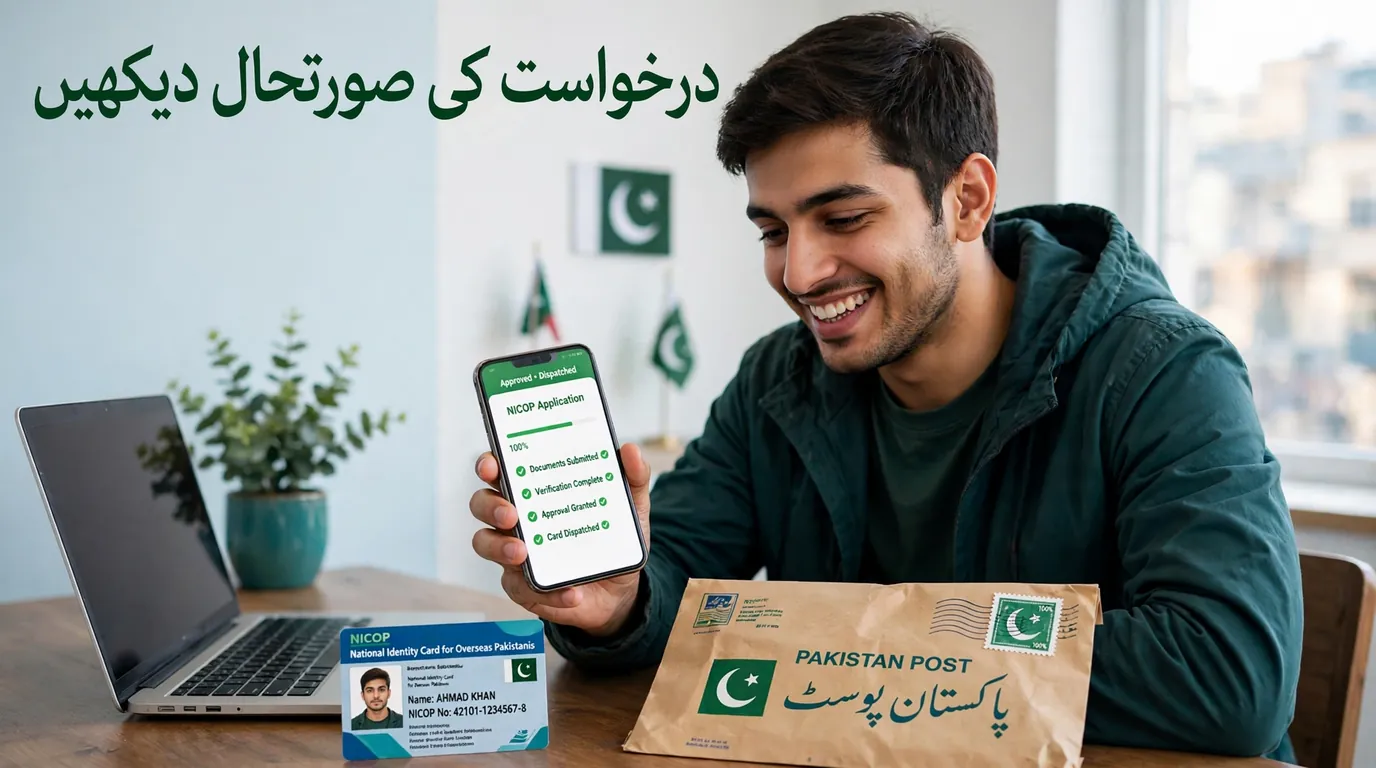
After submission, your application can be followed with the Tracking ID Pak ID issued to you. Inside the Pak ID app, open the Tracking option and enter your Tracking ID and PIN to see where the application stands, from submission through processing and printing to dispatch. You can also send your Tracking ID by SMS to 8400 from a Pakistani mobile number, and NADRA’s helpline answers application questions on 1777 from a mobile in Pakistan and on +92 51 111 786 100 from a landline or from abroad.
Two warnings belong here. First, never share your Tracking ID or CNIC number in a public comment or with a social media account claiming to be NADRA; NADRA itself has warned citizens about fake accounts asking for exactly this information, and genuine status updates only come through Pak ID, SMS and email. Second, if your status stops moving for weeks, read our guide on what to do when a NICOP application stays pending, and for the full picture of every tracking method see the NADRA Tracking ID guide.
What Happens After Your Renewal Is Approved?
Once NADRA approves and prints your renewed card, it is dispatched for delivery to the address you gave in the application, and overseas applicants also receive email updates at the key stages, including approval and card dispatch. Check your spam folder if an expected email does not arrive, because these messages are automated and do get filtered.
When the card reaches you, compare it with your old card and your passport before you file it away: name spelling, date of birth and the new expiry date should all be exactly right. A printing or data mistake is far easier to raise immediately, with your Tracking ID and payment confirmation at hand, than months later when you are standing at a bank counter.
Common NICOP Renewal Problems and Solutions
Most renewal delays come from a small set of repeat problems, and almost all of them are fixable inside the same application. Use this table before you think of applying again from zero.
| Problem | What To Do |
| Name spelling does not match your passport | Use the exact spelling of your NADRA record and passport. If a detail itself is wrong, that is a modification, not a renewal; correct the record first. |
| Biometric verification fails in the app | Retry in good light with clean, dry fingers. If it keeps failing, complete verification at a NADRA centre or mission NADRA desk instead. |
| Application deferred for documents | Open the application in Pak ID, read what is asked, and upload a clear scan of exactly that document. Do not submit a second application. |
| Payment taken but application not visible | Keep the payment confirmation and Tracking ID, wait for the status to update, and contact the NADRA helpline with both numbers if it stays missing. |
| Status has not moved for weeks | Check the application inbox in Pak ID for a message, then follow the pending application steps linked in the tracking section above. |
| Card delivered to an old address | Confirm your current overseas address inside the application before payment, and update your record if you have moved countries. |
Common Mistakes to Avoid in NICOP Renewal
Mistake 1: Choosing the Wrong Service
Renewal, modification and duplicate sit side by side in Pak ID, and picking the wrong one is the most expensive mistake on this list because the fee is paid again when you restart. If any recorded detail needs to change, you want modification; renewal is only for an expiring card with unchanged data.
Mistake 2: Waiting Until the Card Has Expired and Travel Is Booked
An expired card can be renewed, but it cannot be used while you wait. Starting a few months before expiry keeps your visa free entry, banking and identity proof working without a gap.
Mistake 3: Paying an Agent Instead of Using Pak ID
No agent can approve your renewal faster, and handing your passport, card photographs and payment details to an unknown person is a real identity theft risk. The whole process exists inside NADRA’s official app for exactly this reason.
Mistake 4: Losing the Tracking ID and Payment Confirmation
Every tracking check, helpline call and complaint starts with these two numbers. Save a screenshot and a copy in your email before you close the application.
Mistake 5: Ignoring a Wrong Detail Because the Photo Looks Fine
The printed form and the review screen exist so you can catch errors before the card is printed. A one letter mistake in a name follows you into every bank and property transaction until it is corrected.
NICOP Renewal Checklist Before You Apply
- Your existing NICOP or Smart NICOP in hand, even if expired
- Your valid passport open at the bio page, spellings compared with your card
- Pak ID account created with an email and mobile number you actually use
- Your country zone confirmed, Zone A or Zone B, and the fee for your category noted
- A debit or credit card that works for international online payment
- Any changed detail, such as a new address, decided in advance: renewal if unchanged, modification if changed
- A folder ready for your Tracking ID and payment confirmation screenshots
If you are renewing a card for a family member inside Pakistan instead, the process is different; our CNIC renewal online guide covers the domestic card step by step.
Final Words
A NICOP renewal in 2026 is a home based task, not a consulate project. If your recorded details are unchanged, the whole application, from account sign in to live photograph, biometric verification, payment and tracking, sits inside Pak ID, and the card is delivered to you abroad. The applicants who struggle are almost never the ones with difficult cases; they are the ones who picked the wrong service, let a spelling mismatch through, or lost the Tracking ID that every later step depends on.
Start before your expiry month, choose renewal only if your data is unchanged, pay the fee your zone and category actually carry, and keep your confirmation numbers safe. Do that, and the renewed Smart NICOP, with its fresh ten year validity and visa free entry to Pakistan, takes care of itself.
Official Sources
- Pak ID portal and mobile app, NADRA: id.nadra.gov.pk
- NADRA official fee structure: nadra.gov.pk/feeStructure
- NADRA official website: nadra.gov.pk