
NADRA Tracking ID Check Online 2026 – CNIC Application Status
If you have applied for a CNIC, NICOP, POC, CRC/B-Form, renewal, modification, or reprint, you can track your application status through NADRA’s official tracking channels.
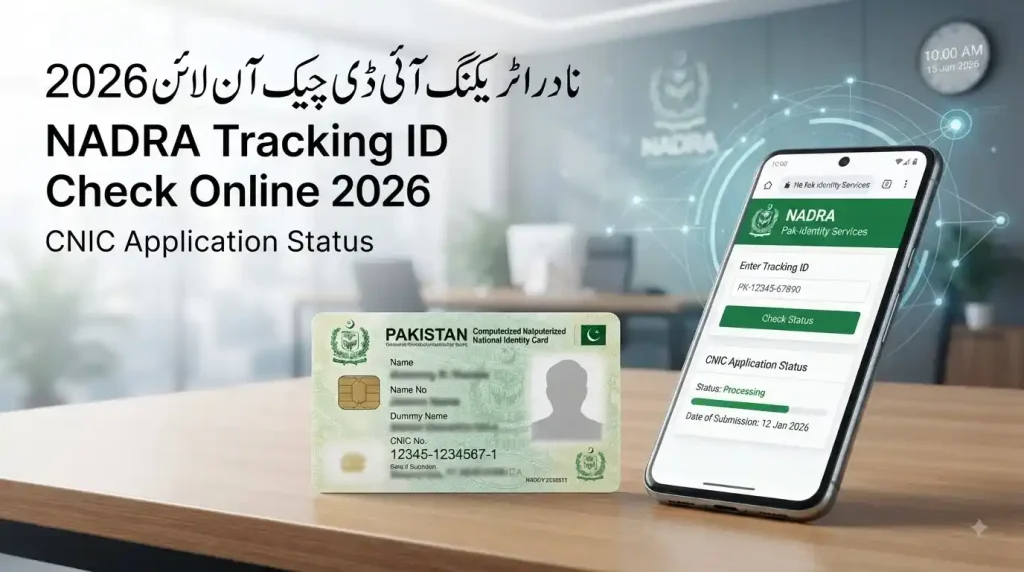
The NADRA Tracking ID is the reference associated with your application and helps you check its current processing status. For CNIC applications, NADRA also provides an SMS tracking service through 8400, while the PakID mobile app allows users to manage and track supported identity-document applications.
In this guide, you will learn how to check your NADRA Tracking ID online, how to track CNIC status by SMS, what different application statuses mean, what to do if your Tracking ID is not working, how NADRA payments work, and when you should contact NADRA for help.
Quick Answer: How to Check NADRA Tracking ID Online
There are several official ways to check your NADRA application status:
| Tracking Method | Main Use |
| SMS to 8400 | CNIC application tracking |
| PakID Mobile App | Application and status tracking |
| NADRA Helpline 1777 | Status and service assistance |
| NADRA Phone | +92 51 111 786 100 |
| NADRA Complaint System | Formal complaints and issue resolution |
NADRA’s Services Charter identifies 8400 as the CNIC application tracking SMS service, while its customer-support information lists 1777 as the 24/7 call center.
What Is a NADRA Tracking ID?
A NADRA Tracking ID is the reference associated with your application or service request. It allows NADRA’s system to identify the relevant application and provide information about its processing status.
If you apply at a NADRA Registration Centre, the relevant application reference is provided with your application documentation or receipt.
If you apply through PakID, your application information is maintained within your digital account and can be accessed through the application interface.
Your Tracking ID is important throughout the application process, so you should keep your receipt and reference information safe until your application is completed.
Is NADRA Tracking ID the Same as CNIC Number?
No.
Your CNIC number identifies you as an identity-card holder, while a Tracking ID is associated with a particular application or service request.
Therefore, you should not confuse your CNIC number with your NADRA application Tracking ID.
How NADRA Tracking ID Works
After you apply, NADRA processes it through the stages applicable to that service.
Depending on the application, the process can involve:
- Application submission
- Data review
- Document verification
- Biometric verification
- Application processing
- Approval or other processing outcome
- Card/document production
- Dispatch or delivery
The Tracking ID does not control or speed up your application. Instead, it works as a reference that allows the relevant application information to be retrieved from NADRA’s system.
This is why a Tracking ID can continue to be useful throughout the application process even though the status itself changes as your application progresses.
How to Get Your NADRA Tracking ID
If You Applied at a NADRA Registration Centre
When you apply at a NADRA Registration Centre (NRC), keep the receipt or application document provided to you.
Your application reference or Tracking ID should be retained until the entire process is completed.
Do not throw away your receipt after submitting the application because you may need its information when checking your status or contacting NADRA.
If You Applied Through PakID
If you submitted your application through PakID, you could manage the application through your account.
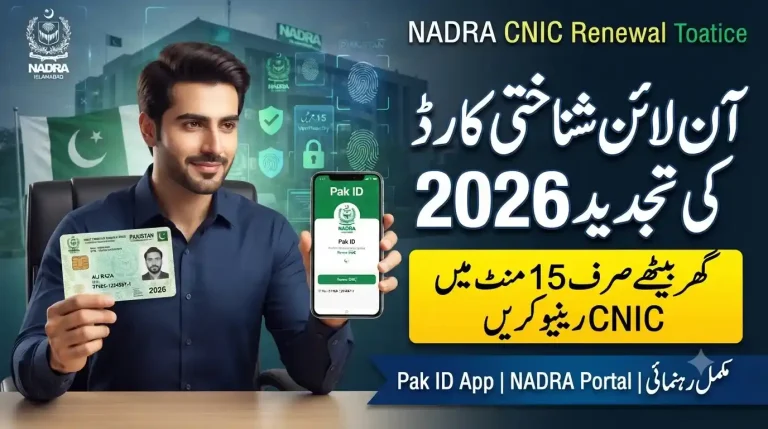
NADRA describes PakID as its official digital platform for identity-document services, including application submission, biometric verification, document uploading and application tracking.
How to Check NADRA Tracking ID Online
For applicants using NADRA’s online services, PakID is the primary digital platform.
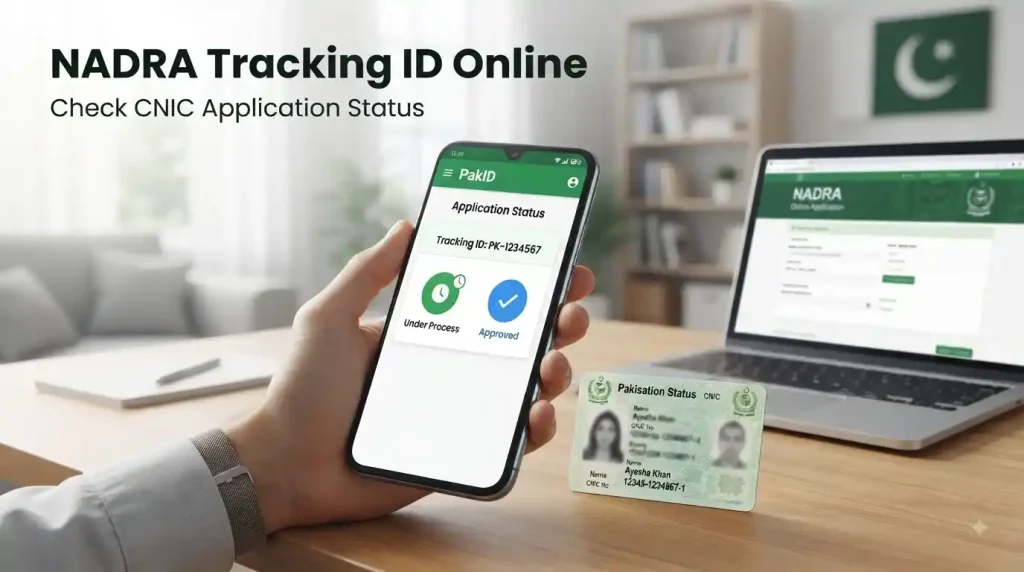
Steps to Track Your Application Through PakID
- Open the official PakID Mobile App.
- Sign in to your account.
- Open your existing applications.
- Select the relevant application.
- Review the latest available status.
- Follow any instructions displayed by NADRA.
PakID supports several identity-document services and provides application-management and tracking functionality for supported applications.
For the safest experience, always use NADRA’s official website or the official PakID application rather than third-party tracking websites.
How to Check NADRA Tracking ID by SMS
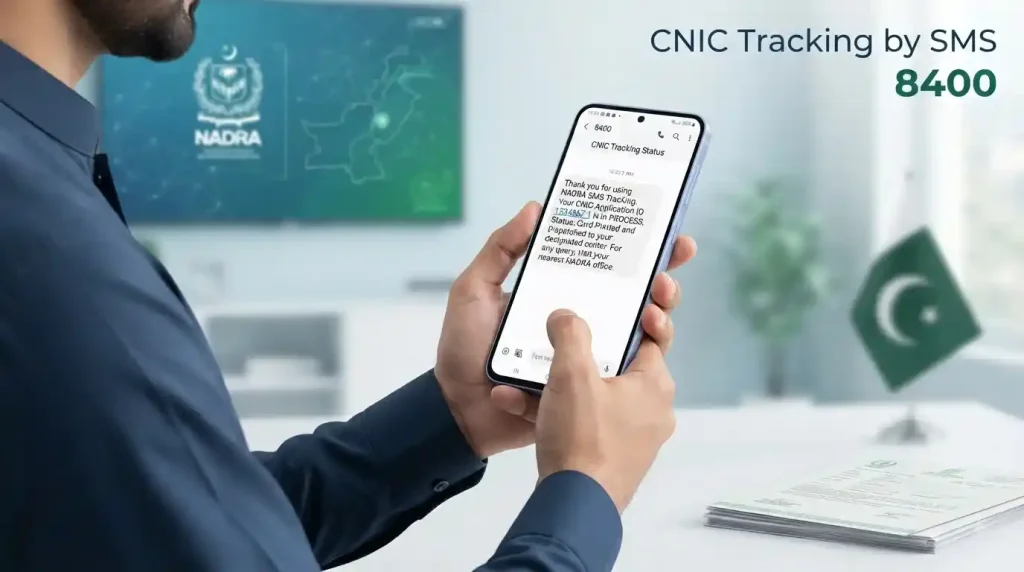
NADRA provides an SMS service for CNIC application tracking.
NADRA’s tracking SMS code is 8400.
NADRA’s official Services Charter identifies 8400 as the SMS service for CNIC application tracking.
If you are using SMS tracking, follow the current instructions provided by NADRA for your application. Avoid relying on unofficial SMS formats published by third-party websites because NADRA can change service instructions.
What Does Your NADRA Application Status Mean?
The exact wording can vary according to the type of application, but common status descriptions generally indicate the stage your application has reached:
| Status | What It Means |
| Under Process | Your application is still being processed or reviewed. This does not automatically mean there is a problem. |
| Verification | The application is undergoing applicable checks, which may involve personal information, documents or biometric information. |
| Approved | The application has passed the relevant stage. This does not necessarily mean the physical card has already been delivered. |
| Ready for Printing | The application has progressed toward the document-production stage. |
| Printing | The card/document is progressing through the production stage. |
| Dispatched | The document has been moved into the delivery or dispatch stage where applicable. |
| Delivered | The document has been recorded as delivered. |
| On Hold | Requires more attention — may indicate additional verification, information or action is required. Contact NADRA if you don’t understand why. |
How to Check If Your CNIC Is Ready
You do not need a separate special procedure to find out whether your CNIC is ready.
You can check your application through:
- PakID
- 8400 CNIC tracking SMS
- NADRA helpline 1777
- NADRA phone: +92 51 111 786 100
NADRA’s customer-support information confirms that its call center helps regarding application status, complaints and general guidance and operates 24/7.
If your status shows that the document has been dispatched, follow the delivery or collection instructions provided through the official channel.
What If NADRA Tracking ID Is Not Working?
If your Tracking ID does not return the expected information, do not immediately assume that your application has been rejected.
Try these steps:
1. Check the Tracking ID
Make sure every digit has been entered correctly.
2. Check Your PakID Account
If you applied through PakID, open your account and review the application directly.
3. Allow Time for a New Application
A recently submitted application may not immediately show every status update through every tracking channel.
4. Try the Official SMS Service
For CNIC application tracking, use NADRA’s official 8400 service.
5. Contact NADRA
If the issue continues, contact NADRA through 1777 or +92 51 111 786 100.
NADRA Tracking ID Not Found – Common Reasons
A Tracking ID Not Found message can occur for several reasons, including:
- Incorrect Tracking ID
- Recently submitted application
- Application information not yet reflected in the tracking channel
- Temporary technical problem
- Application requiring further processing
- Incorrect application information
Before visiting a NADRA center, verify your Tracking ID and check the application through another official channel.
If the problem remains, contact NADRA customer support.
NADRA Tracking ID Payment – How to Pay Your Fee
Payment is an important part of many NADRA online applications.
NADRA’s current payment guidelines list several payment methods, including:
- Credit Card
- Debit Card
- Raast
- eSahulat
- Easypaisa
- JazzCash
However, availability depends on the specific application. NADRA’s payment guidelines state that eSahulat, Easypaisa and JazzCash are available for Smart NIC and FRC applications, while Visa and Mastercard are supported for card payments.
Payment Through PakID
For supported applications, payment is associated with the relevant application.
NADRA also supports Raast through PakID. Its payment instructions state that users can generate a Raast QR code from the payment screen, and the generated QR code remains valid for 30 minutes.
Easypaisa and JazzCash
Where these payment methods are supported, applicants can use the relevant application/Tracking ID information to complete the transaction according to NADRA’s current payment instructions.
Always verify the payment details before confirming the transaction.
How Much Does NADRA Tracking Cost?
The cost depends on the method you use and the applicable charges.
For SMS tracking, mobile-network charges may apply. Because telecom charges can change, it is better to verify the current SMS cost with your mobile operator rather than relying on an old, fixed amount published elsewhere.
For online application management, use the official PakID platform.
NADRA Customer Support and Complaints
If your application is delayed, stuck, or requires assistance, NADRA provides official customer-support channels.
NADRA Helpline 1777
1777 is NADRA’s official call-center number.
It aids related to:
- Application status
- Identity-document services
- General information
- Complaints
- Service-related problems
NADRA states that the call center operates 24/7.
NADRA Official Phone Number
+92 51 111 786 100
This number is listed by NADRA as an official customer-support contact.
NADRA Email
You can use the official customer support email for service-related communication where appropriate.
NADRA Complaint System
If your issue is not resolved through normal support, you can submit a formal complaint through NADRA’s complaint system.
NADRA provides complaint-management facilities for citizens who need further assistance with identity-related services.
When Should You Contact NADRA About a Delayed Application?
You should contact NADRA when:
- Your application remains unchanged for an unusually long time.
- Your status shows On Hold without an explanation.
- Your personal information appears incorrect.
- Your payment has not been reflected.
- Your application cannot be found through official tracking.
- Your card shows being dispatched but has not arrived.
- You receive an instruction that you do not understand.
Before calling, keep your Tracking ID, application receipt and relevant application details available.
This allows the support representative to identify your application more efficiently.
How to Track CNIC, NICOP, POC and Other NADRA Applications
The tracking method depends on the type of document and how the application was submitted.
NADRA’s PakID platform supports several identity-document services, including CNIC and NICOP-related applications, renewals, reprints and modifications, along with application tracking.
For CNIC application tracking, NADRA officially lists 8400 as the SMS tracking service.
For other documents, use the tracking instructions associated with that service.
Do not assume that every NADRA document uses the same tracking procedure.
How to Track B-Form / Child Registration Certificate
A B-Form is commonly known as the Child Registration Certificate (CRC).
Parents who have submitted a CRC application should keep the application receipt and relevant reference information safely.
For supported digital applications, PakID provides application-management and tracking functionality.
If the application status or payment status does not update as expected, first verify the application information and payment. If the issue continues, contact NADRA support.
How to Verify a NADRA CNIC Record
CNIC tracking and CNIC verification are different services.
Tracking tells you what is happening with an application.
Verification is used to confirm information associated with an existing identity document.
NADRA provides Verisys for identity verification services involving CNIC, NICOP and POC information.
Therefore, if you want to know whether your application is being processed, use tracking.
If you need to verify an existing identity record, use the appropriate NADRA verification service.
How to Check Your Fingerprint Record Online
Biometric information is an important part of NADRA’s identity system.
PakID supports biometric verification for applicable digital processes. NADRA’s information about PakID states that biometric verification is part of its digital identity-service process.
If you experience a fingerprint or biometric problem during your application, follow the instructions provided by NADRA.
Do not provide your biometric information to unofficial websites or third-party agents claiming to offer NADRA verification.
NADRA Tracking Security and Privacy
Your Tracking ID, CNIC number, application receipt and identity information should be treated as sensitive information.
Never publish these details unnecessarily in:
- Facebook comments
- Public groups
- Social-media replies
- Public forums
- Unofficial websites
NADRA advises citizens to verify that they are using its official website before entering personal information or making payments. Its domain-authenticity information identifies nadra.gov.pk as the official NADRA domain.
Beware of NADRA Tracking Scams
Be careful if someone:
- Asks for your OTP
- Requests your password
- Demands payment to “unlock” an application
- Promises unofficial fast-track processing
- Requests your CNIC or Tracking ID through an unknown platform
- Sends you to a suspicious NADRA-looking website
Always verify the website and service before providing personal information.
Official NADRA PakID App for Tracking
The PakID Mobile App is NADRA’s official digital platform for identity services.
According to NADRA, PakID supports services including:
- New CNIC applications
- NICOP applications
- Modifications
- Renewals
- Reprints
- Biometric verification
- Live photograph capture
- Digital signatures
- Document uploads
- Application tracking
- Payment options for supported services
For online applicants, PakID can therefore be more convenient than repeatedly visiting a NADRA Registration Centre.
Use only the official PakID application obtained through NADRA’s official channels.
How Long Does NADRA Application Processing Take?
NADRA processing time depends on several factors, including:
- Type of identity document
- Service selected
- Verification requirements
- Completeness of the application
- Supporting documentation
- Current processing workload
A published processing timeline should not automatically be interpreted as a guaranteed physical delivery date.
If your application is still within its applicable processing period, an unchanged status does not necessarily mean that something has gone wrong.
NADRA Delivery Time and Regional Differences
The actual delivery period can vary because of:
- Applicant location
- Courier operations
- Address accuracy
- Dispatch timing
- Weekends and public holidays
- Remote-area logistics
For this reason, applicants should avoid if every city has the same delivery time.
If your card has been dispatched and remains undelivered beyond a reasonable period, check the available delivery information and contact NADRA if necessary.
Expert Tips to Avoid NADRA Application Delays
You can prevent many avoidable problems by following a few simple practices.
Double-Check Your Information
Review your name, date of birth, address and other personal details before submitting the application.
Keep Your Tracking ID Safe
Save your receipt, Tracking ID and application confirmation until your document has been received.
Complete Payment Correctly
Make sure you use a payment method supported for your application and verify the payment information before submitting it.
Prepare Your Documents
If supporting documents are required, make sure they are available and readable before starting the application.
Use PakID
For supported digital services, PakID allows you to manage and track applications without unnecessary visits to a NADRA centre.
Avoid Unofficial Agents
Third-party agents and unofficial websites can create unnecessary privacy and security risks.
Use NADRA’s official channels whenever possible.
What to Do If Your NADRA Application Is Stuck
If your application appears to be stuck, follow this sequence:
- Verify your Tracking ID.
- Check your application through PakID if you applied online.
- Use the official 8400 CNIC tracking SMS service where applicable.
- Check whether NADRA has requested additional information or action.
- Contact 1777 if the problem continues.
- Submit a formal complaint if your issue remains unresolved.
NADRA’s customer-support system helps with application-status queries and complaints.
How to Track NICOP Through Overseas NADRA Services
Overseas Pakistanis should use the official tracking method associated with their application.
PakID supports identity-document services for overseas Pakistanis, including NICOP-related services.
If your application was submitted through a Pakistani mission, consulate or another overseas channel, follow the tracking instructions provided with your application.
Do not assume that the domestic CNIC SMS procedure applies to every overseas application.
Final Thoughts
Checking your NADRA Tracking ID online is the easiest way to stay informed about your CNIC or other identity-document application without repeatedly visiting a NADRA center.
For CNIC application tracking, NADRA officially provides the 8400 SMS service, while PakID provides digital application and tracking functionality. If you need direct assistance, NADRA’s 1777 call center operates 24/7, and the official phone number +92 51 111 786 100 is also available.The most important thing is to use official NADRA channels, keep your Tracking ID and identity information private



3 Comments